
Redirects and robots.txt: favicon not showing in Google
In brief
- On October 27, 2026 Google rewrote the point about fetching the favicon: Googlebot is to follow redirects from the home page to the address with the icon declaration.
- The document now says outright that none of those addresses can be blocked in robots.txt.
- The most common trap in WordPress: Disallow: /wp-content/, because the icon sits in the uploads directory.
- Wymogi pliku bez zmian: kwadrat 1:1, minimum 8×8 px, zalecane powyżej 48×48 px.
- There is no deadline and no penalty. Today it is enough to review robots.txt and your redirects.
If your favicon is not showing in Google next to your result, start with robots.txt and redirects, not with swapping the file. On October 27, 2026 Google clarified its documentation: Googlebot has to fetch the home page, follow redirects to the address with the icon declaration, and Googlebot-Image has to fetch the file itself. One blocked address on that path ends with a default icon instead of your logo.
What changed in the documentation
Earlier the point said it briefly: Googlebot fetches the home page, Googlebot-Image fetches the icon file, and neither can be blocked. Now, in the same place in the favicon documentation , following redirects has been added, along with a sentence about robots.txt and other blocking methods. The change was spotted on October 27 by Search Engine Roundtable.
Google does not call this a new rule and issued no announcement. The crawler probably worked this way for a long time, it just was not on paper.
| Element | Previous wording | Current wording |
|---|---|---|
| Redirects from the home page | not mentioned | Googlebot has to follow them |
| Blocks | generally: cannot be blocked | explicitly: robots.txt and other methods |
Why a favicon does not show in Google
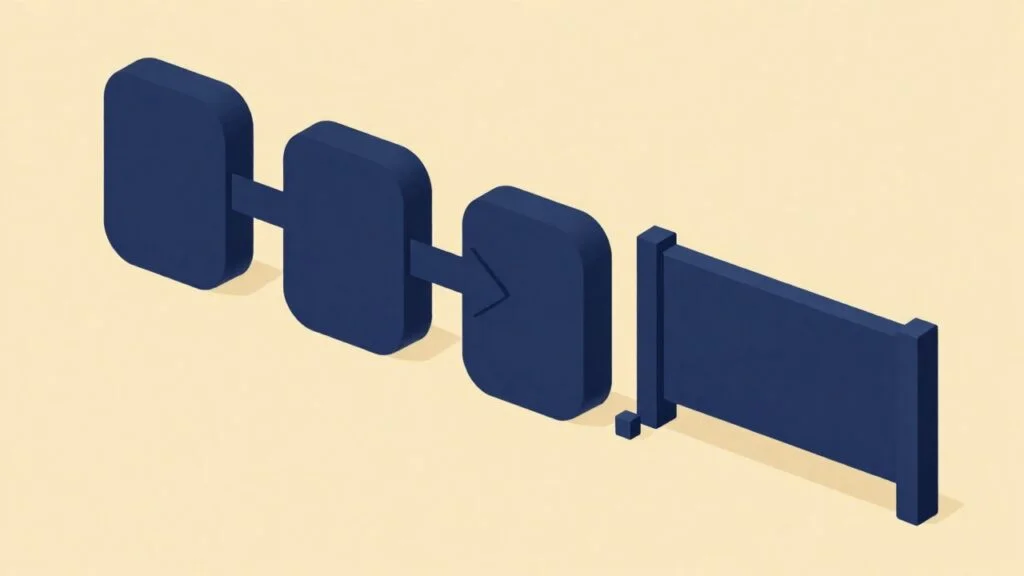
A small business rarely has its home page at a single address. A typical chain: the domain without www to www, then http to https (usually after plugging in a free SSL certificate), and on a bilingual site also /pl/. The icon declaration in the link rel=”icon” tag sits on the page where the chain ends, so the crawler has to get there. We review redirects and blocks at the start of every website SEO project, because it is a one-time fix.
The second cause is a robots.txt copied from a guide a decade old. Entries like Disallow: /wp-content/ or Disallow: /wp-includes/ still circulate on forums, and in WordPress the favicon lands in the uploads directory. The site works fine, while the crawler sees the ban and gives up on the file.
8×8 px minimum from the documentation
48×48 px the threshold above which Google recommends the icon
7 formats supported by the search engine
What this means for your business
The icon next to your result is the only graphic mark of your company in mobile Google results. Without it your result looks like an abandoned site, while the repair shop down the street has its logo next to it. The fix is usually one line fewer in robots.txt, not a site rebuild. While you are at it, check whether the same rule is not blocking your product photos, because then you lose Google Images as well.
What to do now
- Look at your result on a phone. Type site:yourdomain.pl into Google and check whether your icon shows next to the results, or a stand-in one.
- Open robots.txt. At yourdomain.pl/robots.txt look for Disallow rules covering the home page, the redirect target, or the directory with the icon file.
- Walk the redirect chain. Start from the address without www and without https and see where the redirect ends. That is where the icon declaration has to be.
- Check the file. A square, a supported format, and an address you do not change with every template update. The image can be converted by a WebP, JPG and PNG converter.
- Give it time to be fetched again. Google gives no deadline, so make the fix once and do it properly.
Note
Disallow: /wp-content/ blocks not only the icon but also product photos and style files that Google needs to evaluate the page. If you have it from an old guide, remove it and leave just /wp-admin/.
What we still do not know
Google did not write whether it changed anything in the crawler or only described the facts. Apart from the entry in the documentation change log there is no effective date and no warning in the console. Search Console does not show a rejected favicon, although it recently got new data on AI Mode.
It is also unclear how many fetches it takes for a corrected icon to come back to the results, so a sensible plan sounds like this: fix it once, check after two weeks.
If you do not want to dig into robots.txt yourself, send your site address for a free audit or call 511 608 362 (Mon to Fri, 10 am to 6 pm).
Frequently asked questions
Does a favicon affect your position in Google?
Google describes the icon in its documentation on how a result looks, not among ranking factors. It affects click-through, not position.
Where should the favicon be declared?
In the head section of the home page of your domain or subdomain, in a link rel=”icon” tag. Google asks that the file address stay the same.
What if the home page redirects to another domain?
The crawler has to follow the whole path, and the icon declaration must be on the final page. No address along the way can be blocked.