




A happy customer will gladly leave a review, but only if they don't have to search for where to do it. Every extra step, such as typing the business name into Maps, finding the profile and scrolling to the reviews, loses customers along the way. A Google review link cuts this to a single click: the customer opens it and immediately sees the stars to select.
Below we show how to create such a link on desktop and mobile, how to turn it into a QR code and an NFC sticker, and how to ask for reviews without breaking Google's rules or the law.
The link does not expire as long as the profile exists, so you only need to create it once and save it in your message templates.
If you have no access to the panel and want to prepare a link quickly, you can build it manually from the Place ID:
https://search.google.com/local/writereview?placeid=Such a link opens the same review window. In the long run you should still regain access to the profile, because without it you cannot reply to reviews.
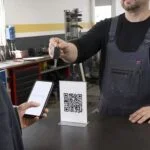
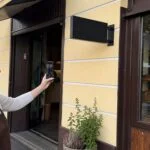
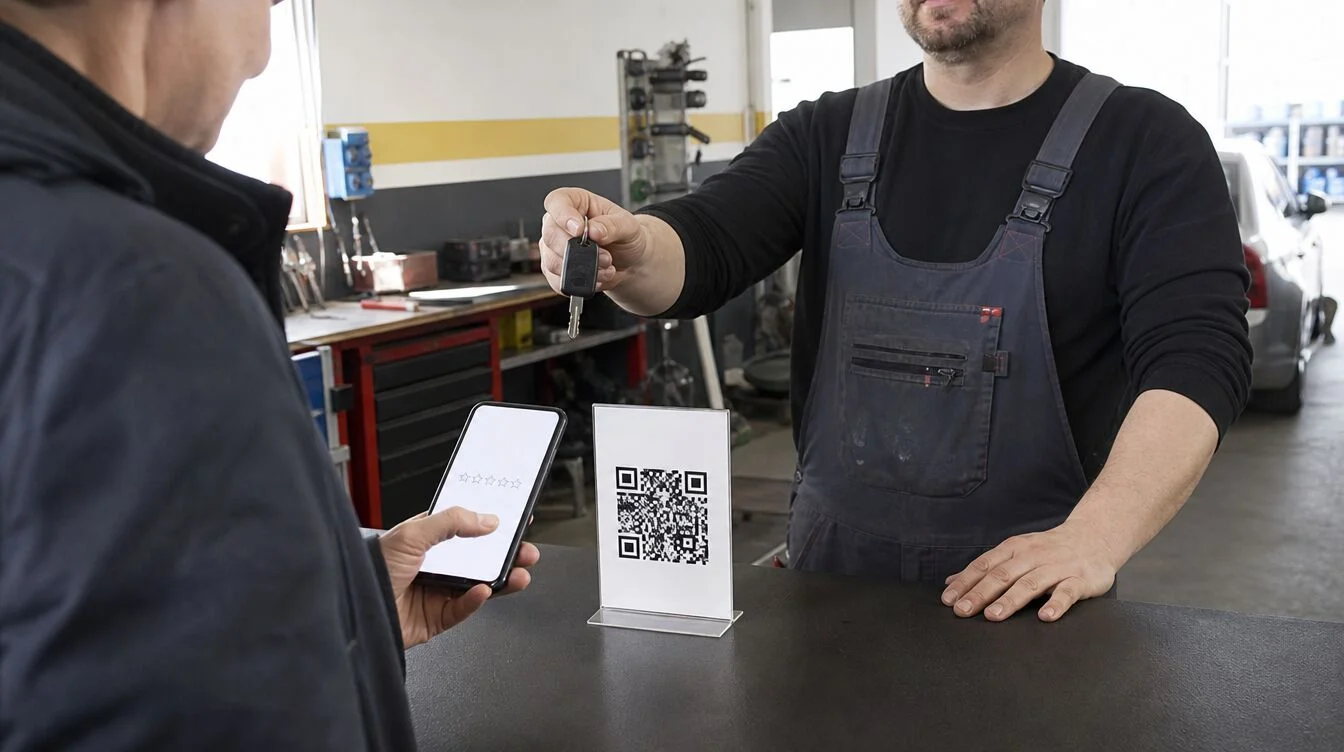
The link works best where the customer is most satisfied: when collecting their car, after a treatment, at the till. Three methods that work well in small businesses:
You can make a ready-to-use QR code and a printable card with our free QR code generator: paste the link from your profile, download the file and print a stand for your counter.
What works best is one fixed moment when you always ask for a review, for example right after the service is finished. The request should be short and neutral. Example text message:
"Thank you for visiting our workshop. We would be grateful for your review on Google, it takes a minute: [link]"
Note that this message does not say "if you are satisfied". We ask everyone, not only those who were smiling. More on why in a moment.
Replies to reviews are read mainly by future customers, not by the author. For a positive review, one specific sentence of thanks is enough, ideally referring to the service. Reply to a negative one calmly and to the point: thank them for the feedback, explain what happened and offer a phone call. Do not share the customer's details and do not get into an argument. A calm reply to criticism often builds more trust than another five-star review.
There is no single threshold. What counts is the number of reviews compared with competitors in your area, how recent they are and how regularly they come in. Ten reviews collected over a year look more credible than ten from a single week. Data on how reviews affect your position on Google Maps is collected in our guide local SEO for small businesses.
If you don't have a profile yet or can't log in to it, start with the guide how to set up a Google Business Profile step by step. And if you'd rather have someone do it for you: a review collection system with a link, QR code and NFC sticker is part of our profile setup service for PLN 600. Details on the page local SEO and Google Business Profile.
Sign in to the account that manages your profile, search for your business name on Google and click Ask for reviews in the profile panel. Copy the link from the window that opens, together with a ready-made QR code.
No, it works as long as the business profile exists. Create it once and use it in text messages, emails and on a QR code.
No. Google's rules prohibit rewarding reviews, including with discounts or freebies. You can, however, ask every customer for a review, politely and without pressure.
Owners cannot remove reviews themselves. You can report a review as violating the rules, for example when it is offensive, concerns a different business or was posted by a competitor. Google makes the decision. Until then, reply briefly and to the point, because everyone can see your reply.